
Smart Site Builder vs WordPress
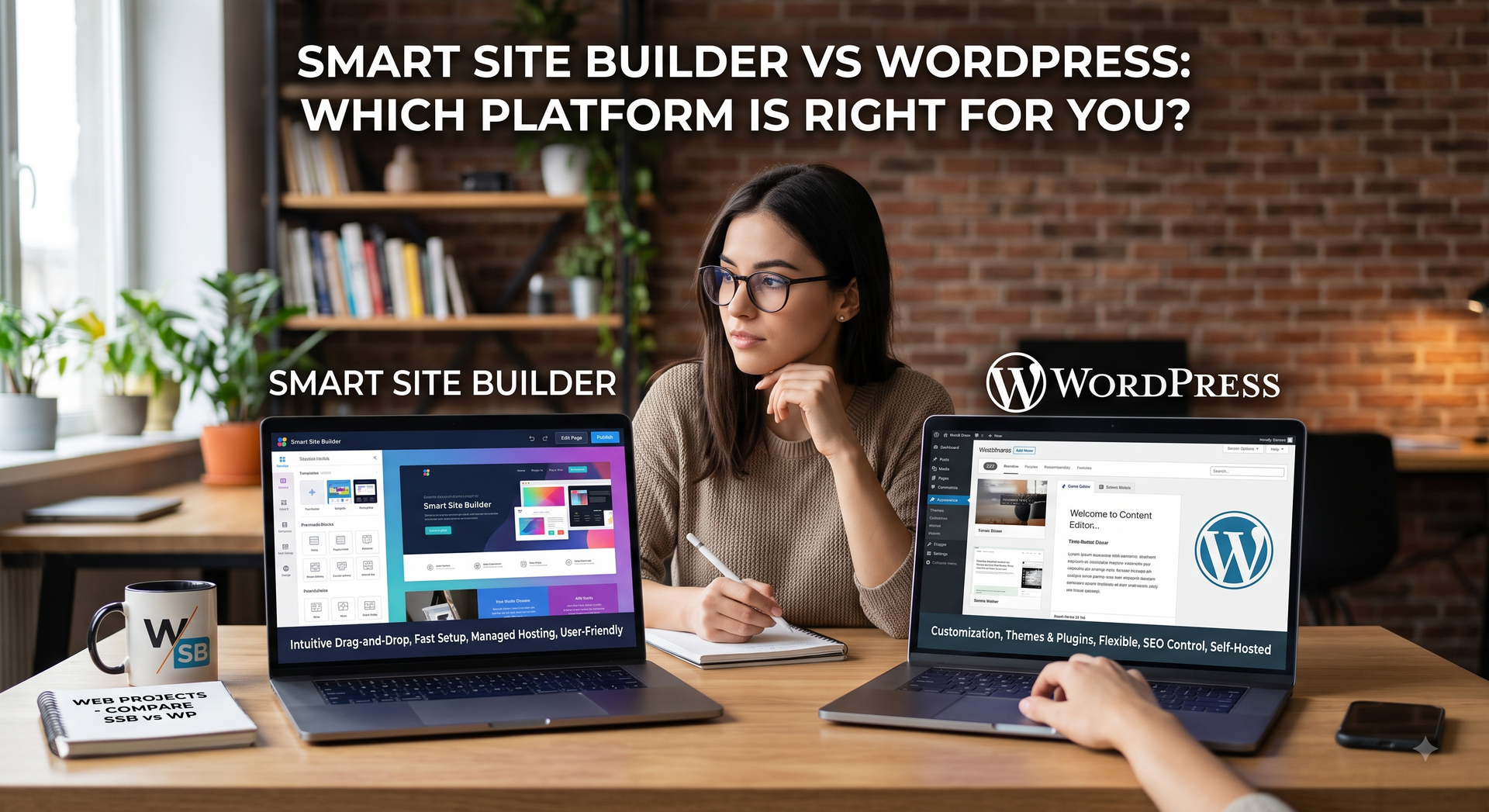
For digital marketers, choosing the right website platform isn’t just a technical decision, it’s a business strategy that directly dictates your profit margins, team efficiency, and client retention. While traditional options like WordPress offer endless flexibility, the technical debt of server management, plugin conflicts, and constant maintenance can quickly drain your billable hours. Modern alternatives like SMBee's
Smart Site Builder offer a streamlined, cloud-based alternative designed to launch high-performing client sites in a fraction of the time.
Table of Contents
- Smart Site Builder vs WordPress: The Basics
- Getting Started: Setting Up a Website Platform for Your Agency
- Everyday Editing: Page Builder Usability
- Add-Ons and Plugins: Comparing Features
- Maintenance and Performance
- Security Management
- Total Costs: Comparing Costs Between Platforms
- Final Decision: Selecting the Ideal Agency Website Platform
Smart Site Builder vs WordPress: The Basics
Building websites at scale demands speed, predictability, and consistent performance. If your agency provides website services to small and midsize businesses, your selection of website builder can have a dramatic effect on profit margins and client satisfaction. Choosing an ineffective system leads to endless client support tickets, IT issues, extended build times that sap resources away from team resources - ultimately harming both you and the clients you serve.
At SMBee, our mission is to assist agencies in maximizing client retention and producing stellar results. Website creation provides the foundation of digital marketing efforts; when your agency builds client sites quickly it frees resources up for lead generation, customer retention and revenue expansion.
Whether you choose to go with a Smart Site Builder or WordPress boils down to two distinct approaches:
- WordPress - an open-source system that powers much of the Internet, gives complete freedom however needs management by administrators and regular maintenance/updates.
- Smart Site Builder - a drag and drop editor designed exclusively for web professionals needing an efficient tool with which they can use to launch client sites faster and stay maintenance free.
We'll demonstrate how both options compare in terms of setup workflows, daily editing tasks, plugin ecosystems, site performance, security measures and long-term expenses - our aim being to give an honest assessment so you can select an agency website platform best suited to meet the client portfolio you have at hand.
Getting Started: Setting Up a Website Platform for Your Agency
Developing a new client website should be simple, however the exact process depends heavily on which software you select. Every hour spent building the site or configuring servers drives up overhead costs and represents time that could otherwise have been dedicated towards marketing the website.
Before designing with WordPress, several steps must first be completed manually to set it up successfully. You need to purchase host server space, configure domain name settings, install core software, set up database tables and install child themes before finally selecting and configuring page builder plugins like Elementor or Divi to give your team visual interfaces for their projects.
Smart Site Builder takes an efficient cloud approach. Since host servers and content delivery networks are integrated directly into its software, eliminating infrastructure setup altogether. Simply choose from preloaded templates or start from an empty wireframe to immediately begin building! Once complete, team members can set client accounts, assign permissions, import content via automated intake forms - everything needed for successful development projects!
Speed to launch is of key concern when selecting an agency website builder, with Smart Site Builder drastically shortening project time from weeks to hours compared with WordPress. We typically find building a standard 5 page website for WordPress can take between 20-40 hours depending on whether a page builder is used or designs are manually developed from photoshop files. With Smart Site Builder, a standard 5 page site can take on average 4-10 hours depending on whether you use a template or design something custom. With the time savings, this opens up new revenue opportunities for agencies - charge similar to WordPress and make higher margins, or offer reduced or monthly plans making it more affordable for customers which can increase the number of sales.
Everyday Editing: Page Builder Usability
Once a site is live, your content creators and account managers need to make edits quickly. You also need to grant clients appropriate access so they can update basic information without breaking global layouts.
Editing pages in WordPress depends heavily on your page builder setup. If you use the native Gutenberg block editor, page editing is clean but can feel restrictive for custom layouts. If you use third-party visual page builders, you gain drop-down flexibility, but the interface can suffer from slow load times. Additionally, client permissions in WordPress often require secondary plugins to prevent clients from accidentally disabling core plugins or messing up theme files.
Smart Site Builder features an easy visual drag-and-drop editor designed specifically to facilitate client handoffs. Edit desktop, tablet and mobile views independently within a single interface for all three device views (desktop, tablet and mobile views) independently without the need to rely on custom CSS media queries for phone layouts. Plus it includes visual commenting so clients can provide feedback directly during design review cycles!
Smart Site Builder outshines WordPress in our comparison of usability; its tighter editing environment out of the box sets it apart from WordPress which gives developers unrestricted layout freedom but requires tight admin controls to prevent clients from altering site code.
Add-Ons and Plugins: Comparing Features
Any effective website platform's true power lies in how easily its functionality can be extended. From contact forms, appointment scheduling, multilingual support or multi-language translation - your team needs tools that work reliably!
WordPress is well known for its vast ecosystem. Boasting over sixty thousand free and paid plugins available to use for nearly every imaginable feature imaginable, WordPress offers plugins covering custom post types, dynamic real estate listings and complex custom fields - everything imaginable can be accomplished thanks to WordPress! Unfortunately however, depending on multiple third party plugins can lead to compatibility conflicts: when one plugin update can break another one causing layout errors or database crashes on a site.
Smart Site Builder handles site features through built-in widgets and a curated application store. Core tools like contact forms, pop-ups, personalization rules, and schema markup are integrated directly into the core platform. Because Smart Site Builder tests and maintains these tools centrally, update conflicts do not occur. For specialized developer needs, Smart Site Builder provides an AI widget builder and standard code injection options, though it does not match the vast plugin volume of WordPress.
Agencies looking for WordPress alternatives for agencies often list plugin stability as a primary concern. WordPress offers unmatched functional reach, while Smart Site Builder prioritizes unified stability and zero software conflicts.
- WordPress Extensions: 60,000+ open-source plugins, deep customizability, higher risk of version conflicts.
- Smart Site Builder Extensions: Native integrated tools, curated app marketplace, guaranteed platform compatibility.
Maintenance and Performance
Website maintenance can either be a predictable recurring revenue stream or an operational nightmare. Keeping client websites fast, updated, and compliant with search engine requirements takes constant attention.
Maintaining a portfolio of WordPress websites requires active oversight. Regular updates to core software files, active themes, and individual plugins must also be performed on an ongoing basis to prevent design bugs or failure. In order to effectively test updates before pushing them live it's recommended testing updates on a staging server first if at all possible; additionally you will also require configuring third-party caching plugins, image compression tools, and database optimization scripts in order to keep page speed scores at Google Core Web Vitals high.
Smart Site Builder operates on an Amazon Web Services infrastructure with fully managed SaaS offerings - which include updates, security patches, image optimizations and content delivery network caching taking place automatically in the background. By optimizing site assets and script loading at platform level using Smart Site Builder technology, sites consistently pass Core Web Vitals assessments without additional speed plugins being necessary.
When comparing Smart Site Builder vs WordPress for ongoing operations, Smart Site Builder virtually eliminates technical overhead. WordPress allows deeper custom caching configurations, but it requires active maintenance to prevent speed slowdowns over time.
Security Management
Cybersecurity should never be taken for granted when managing small business websites, since even one compromised site could cause irreparable harm and require costly cleanup efforts to restore.
As WordPress powers an enormous portion of the Internet and uses open source code, it has long been targeted by hackers using automated bots. Most vulnerabilities stem not from WordPress itself but instead third-party plugins which may contain outdated or poorly coded components. Safeguarding a WordPress website requires regular active monitoring along with web application firewalls, login limiters and security plugins - not forgetting offsite backups to keep things secure!
Smart Site Builder employs a closed system architecture with enterprise-grade security managed centrally, where SSL certificates are automatically issued for every custom domain and third-party code cannot execute directly on the server level preventing common exploit vectors such as SQL injection and cross-site scripting from being exploited by hackers. Furthermore, automated site backups are generated continually so your team can restore previous versions at anytime with just a click.
Managing security across a Smart Site Builder vs WordPress:
- WordPress Security: Requires proactive monitoring, plugin auditing, dedicated firewall plugins, and separate backup storage.
- Smart Site Builder Security: Centrally managed, closed-ecosystem defense with automated SSL and integrated backup points.
Total Costs: Comparing Costs Between Platforms
Understanding the true financial cost of your site building software requires looking beyond initial licensing fees. You must calculate hosting costs, plugin licenses, developer hours, and ongoing support costs across your agency.
WordPress itself is free (open source), but running professional client sites will incur additional expenses. High-performance hosting costs between $20 USD for basic to $50 USD monthly for managed hosting. Premium page builders, form tools, security plugins and SEO plugins typically range between $100-$300 USD yearly per site - not counting developer billable hours spent running regular updates and fixing broken plugins; the total cost of ownership quickly adds up.
Smart Site Builder offers an affordable $25/mth USD monthly subscription model covering hosting, SSL/TLS security updates and core feature sets as a part of its base fee. This will cover hosting up to 1,000 pages and unlimited traffic.
Pricing transparency is vital when analyzing which web builder to use: WordPress typically offers lower entry costs for single websites; Smart Site Builder provides predictable, scalable overhead expenses to accommodate expanding client rosters.
Final Decision: Selecting the Ideal Agency Website Platform
To summarize how these platforms stack up, we compiled a quick side-by-side reference table covering key agency requirements.
| Feature Area | Smart Site Builder | WordPress |
|---|---|---|
| Hosting & Infrastructure | Fully managed AWS cloud hosting included | Self-hosted, requires third-party web hosting |
| Setup Time | Rapid deployment with pre-built templates | Manual install, database, theme, and plugin setup |
| Design Flexibility | Visual drag-and-drop editor with device previews | Unrestricted code access, theme and page builder reliant |
| Plugin Ecosystem | Native widgets and curated app store | 60,000+ open source plugins available |
| Ongoing Maintenance | Automated platform updates with zero downtime | Manual core, theme, and plugin update management |
| Security & Backups | Centralized security, auto SSL, built-in backups | Requires security plugins, manual monitoring, auto backups |
Selecting the ideal web development software depends on your agency's operational strategy. If your team specializes in heavy custom development, deep custom coding, or complex builds, WordPress remains an attractive choice; but if your primary objective is building beautiful high-performing small business sites without spending hours maintaining servers or updating plugins quickly, Smart Site Builder offers an easier path forward.
At SMBee, we offer both Smart Site Builder and WordPress as options. Smart Site Builder is available in both DIY and within our fulfillment center where our internal team will design and launch a website for you. WordPress is only available in our fulfillment center and we offer options for web maintenance services as add-ons.
Both web builders offer attractive positives, the decision will really depend on your target client requirements and agency's needs. Several years ago, WordPress sites were 90% of website sales at SMBee but today, Smart Site have overtaken WordPress and is now +90% of web sales today. Many agencies have found ease of use and stress free hosting are critical requirements today in order to scale.
If you would like to discuss which web builder is right for your agency,
reach out to our customer success team and we'll evaluate your needs and recommend the best approach for your agency!
FAQs
Which platform offers better search engine optimization capabilities out of the box?
Both platforms can rank highly on search engines, yet their approaches to SEO differ drastically. Smart Site Builder integrates clean code, automated XML sitemaps, structured schema data, fast page speeds and fast page loads directly into every template while WordPress uses plugins like Rank Math or Yoast SEO that provide more granular control over metadata, canonical URLs and complex redirections - providing easier options for nontechnical teams compared with deeper options for advanced SEO specialists.
Is WordPress or Smart Site Builder better for running custom e-commerce stores?
WordPress with WooCommerce may provide more sophisticated customization and database control; for small to mid-sized merchant stores that need digital payment processing, physical product catalogs, and straightforward checkout flows Smart Site Builder provides a fast yet secure e-commerce solution without the maintenance complexity associated with WooCommerce.